

How it works
- Using the dashboard
- Using the API
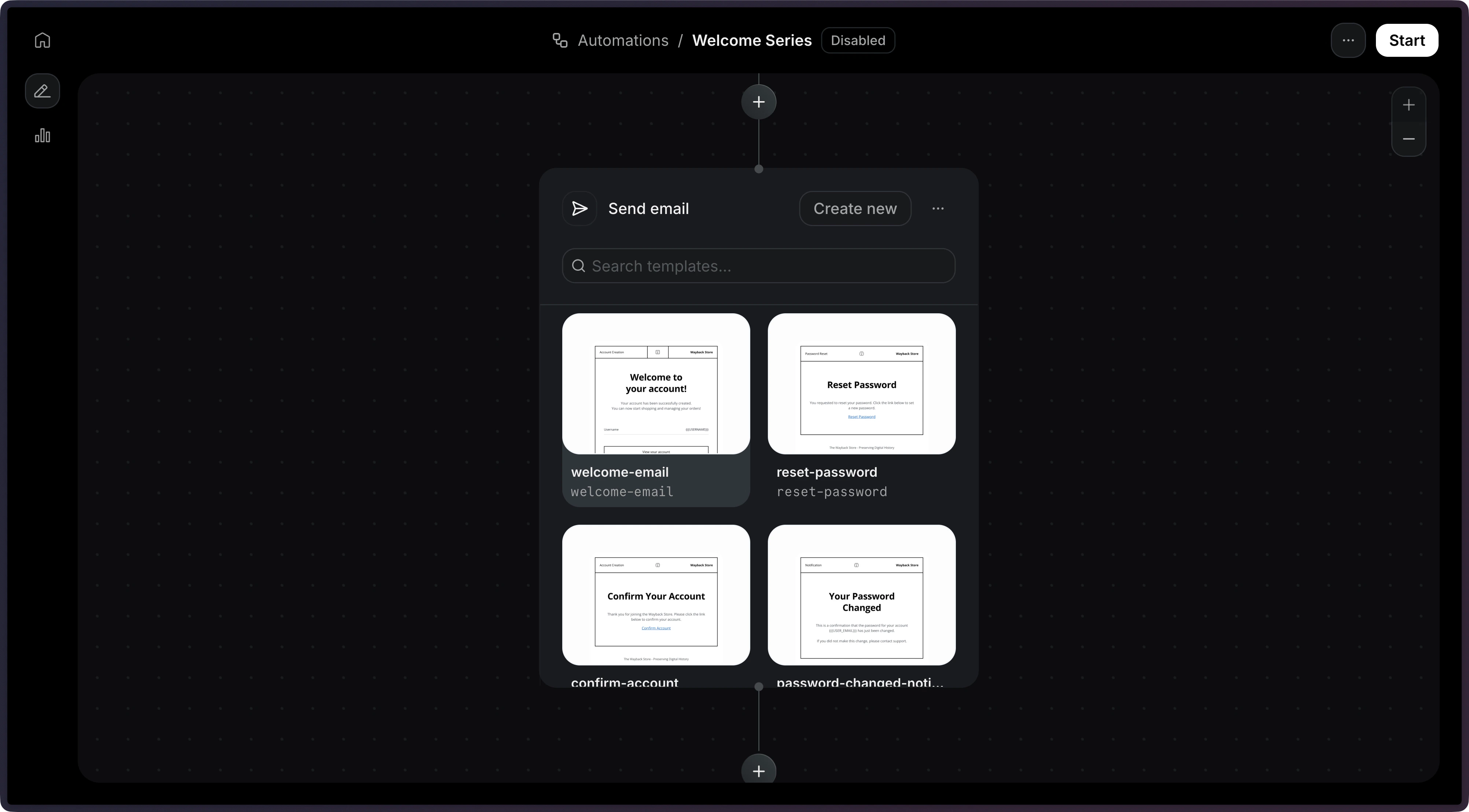
Only
published templates are available to be used in an Automation.Template variables
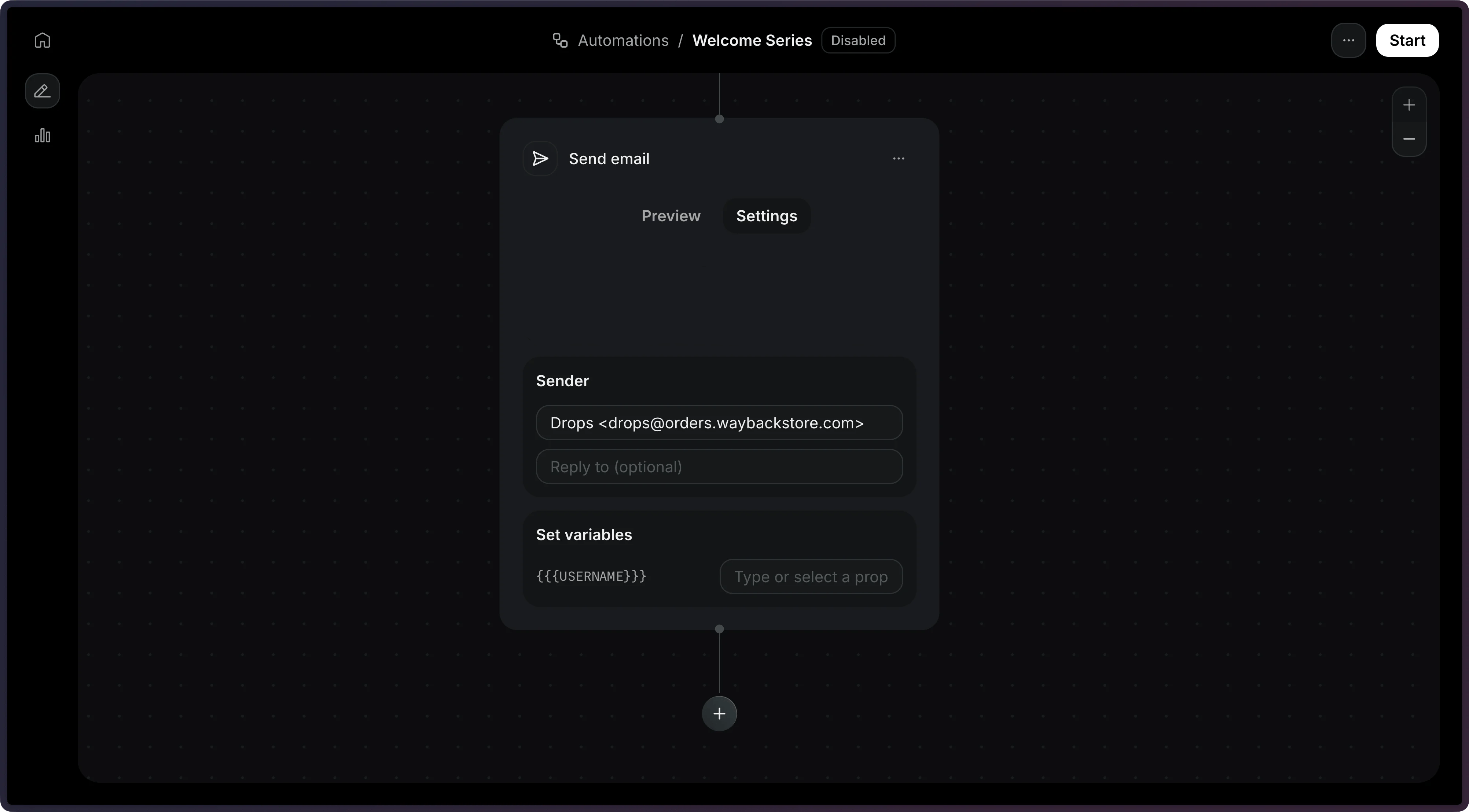
Use thevariables field to pass data into your template. Each value is a static string, passed as-is, or a reference with { "var": "<path>" }:
event.*is a field from the event that triggered the Automation, such asevent.firstName.contact.*is a field from the contact, such ascontact.properties.company.wait_events.<event_name>.*is a field from an event a previous wait for event step received, such aswait_events.feedback.received.response. If the Automation waited for that event more than once, this is the most recent one before this step.
Unsubscribe behavior
Resend does not automatically add an unsubscribe link to emails sent from asend_email step. To let contacts opt out, add {{{RESEND_UNSUBSCRIBE_URL}}} to the Template used by the step.
{{{RESEND_UNSUBSCRIBE_URL}}} must be added to the Template itself, not the step’s config. If the Template doesn’t include this variable, contacts have no way to unsubscribe from within the email.Configuration
object
required
The published template to send. Provide
id and optionally variables.string
The sender email address.If provided, this value will override the template’s default value.
string
The email subject line.If provided, this value will override the template’s default value.
string
Reply-to email address.If provided, this value will override the template’s default value.